
On Stage Now
The routine performing right now, front and center.
Put a screen in the dressing rooms, the wings and the green room. Backstage Status Screens show the routine on stage now, the one up next, and what's coming — updated live as your stage manager calls the show.
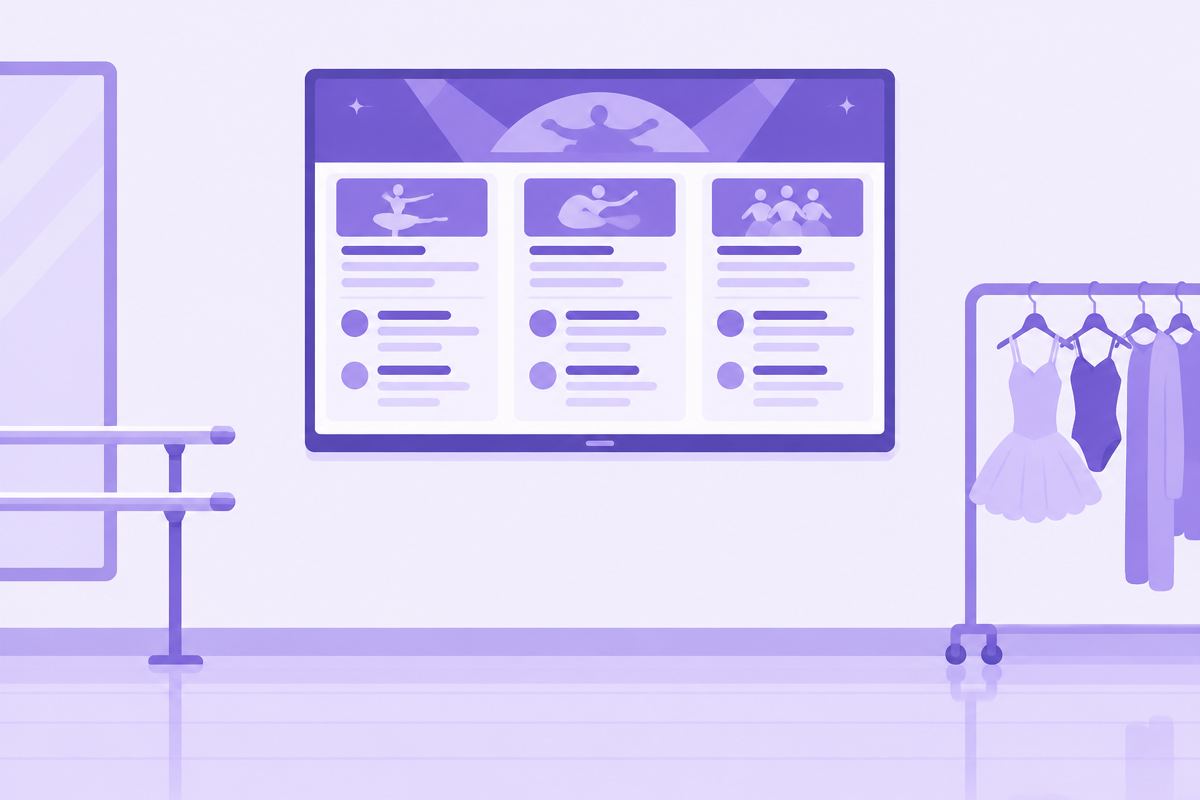
Backstage, the hardest question to answer is “where are we in the show?” Dressing room parents send runners. Dancers crowd the wings too early, or show up too late. Backstage Status Screens turn any TV, monitor or tablet into a live lineup board, so every dancer and volunteer can see the show's progress for themselves.
The display is split into three columns that move forward every time the stage manager marks a routine on stage.
The routine performing right now, front and center.
The routine that should be waiting in the wings.
The next several routines in order, so everyone can plan ahead.
Every dancer's name, plus teachers, assistants and volunteers
Number of dancers, start and end positions
Costume notes and the routine photo
Dancers in Up Next see their names and head to the wings. Nobody needs to call them.
Parents watching Coming Up know when to start a costume change.
Dancers check whether they start behind the curtain or walk on, right before they go.
Hallway monitors, runners and green room helpers can see the show's progress without a headset.
Open Backstage Status Screens in a web browser on a smart TV, a laptop connected to a monitor, or a tablet on a stand. Choose which details to show with Modules, and the screen updates on its own whenever the stage manager moves the show forward.
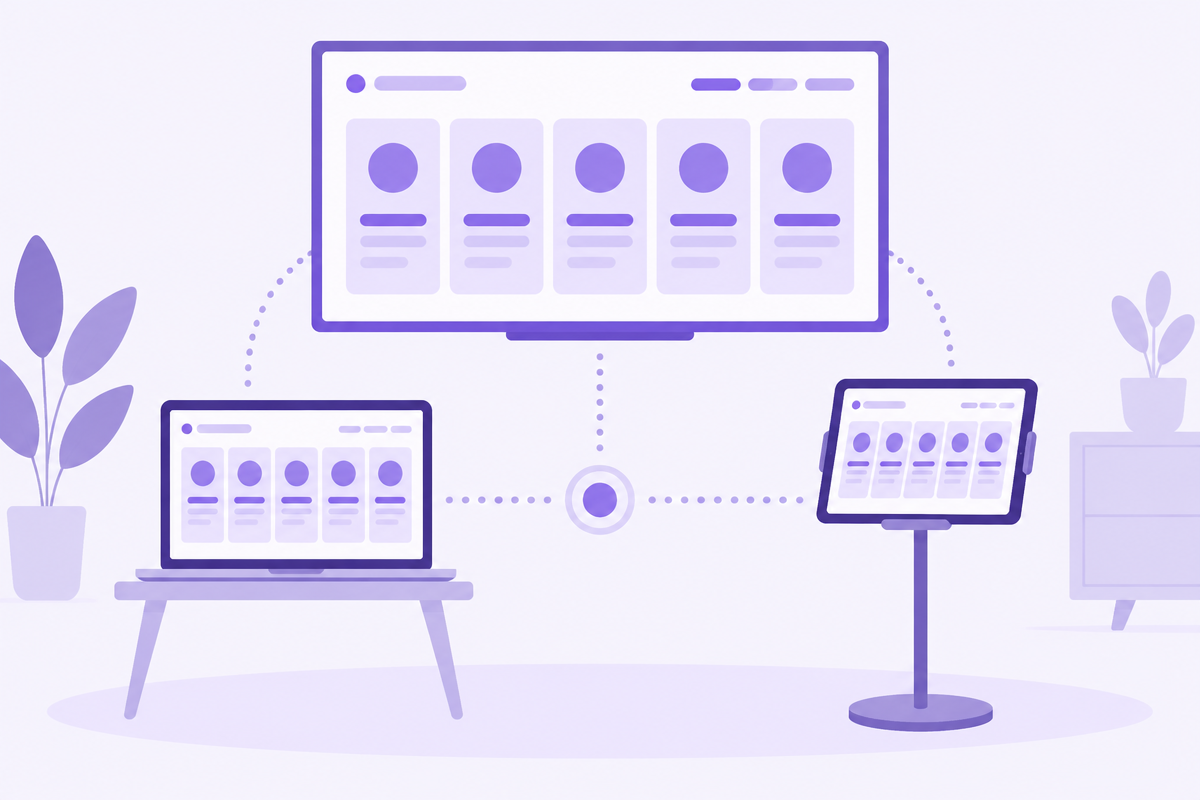
A TV in each room so parents and dancers can pace themselves.
A tablet by the stage door for the dancers about to go on.
A big screen for the crowd of waiting dancers.
Turn off modules you don't need, like volunteers or costume notes, so the names are bigger and easier to read across a room.
Backstage Status Screens work hand in hand with Stage Manager — your stage manager moves the show forward, and every screen follows along live.
Any screen with a web browser: a smart TV, a laptop plugged into a monitor, or a tablet.
As many as you want. Every screen updates at the same time.
Yes. Every screen needs an internet connection to receive live updates.
Your stage manager, using Stage Manager. Each time they mark a routine on stage, every screen updates.
Put your show's progress on every screen backstage.