
Show schedule
Which shows their dancer is in, with dates, call times and the venue
Give each family one link with their dancer's show schedule, routines and backstage pass. Families confirm participation in a tap, and your front desk stops answering the same questions all spring.
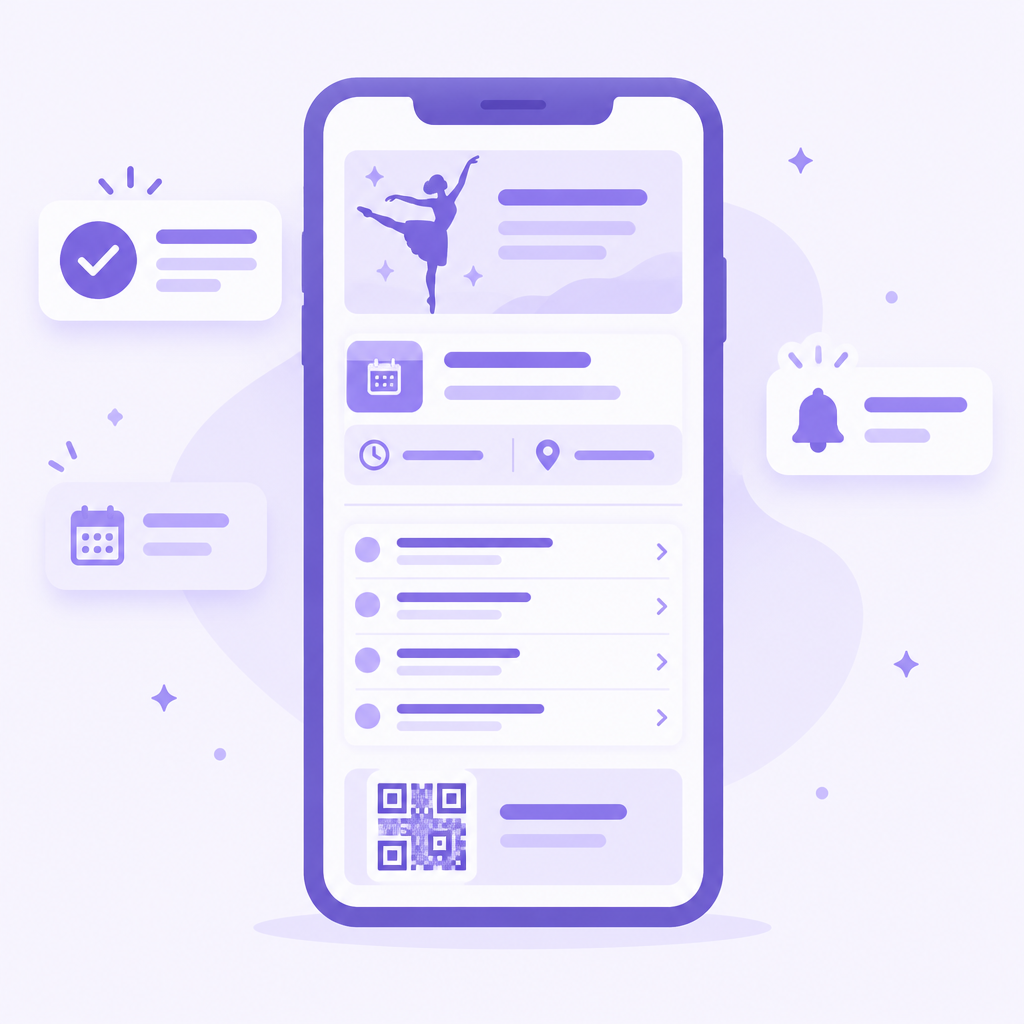
Recital season floods your inbox. Which show is my dancer in? What time is call? Did you get my confirmation? The Performer Portal gives every family a personal page with the answers for their dancers, always up to date. Change a call time and every family sees it.
Each family gets a personal page with everything about their dancers — and nothing about anyone else's.
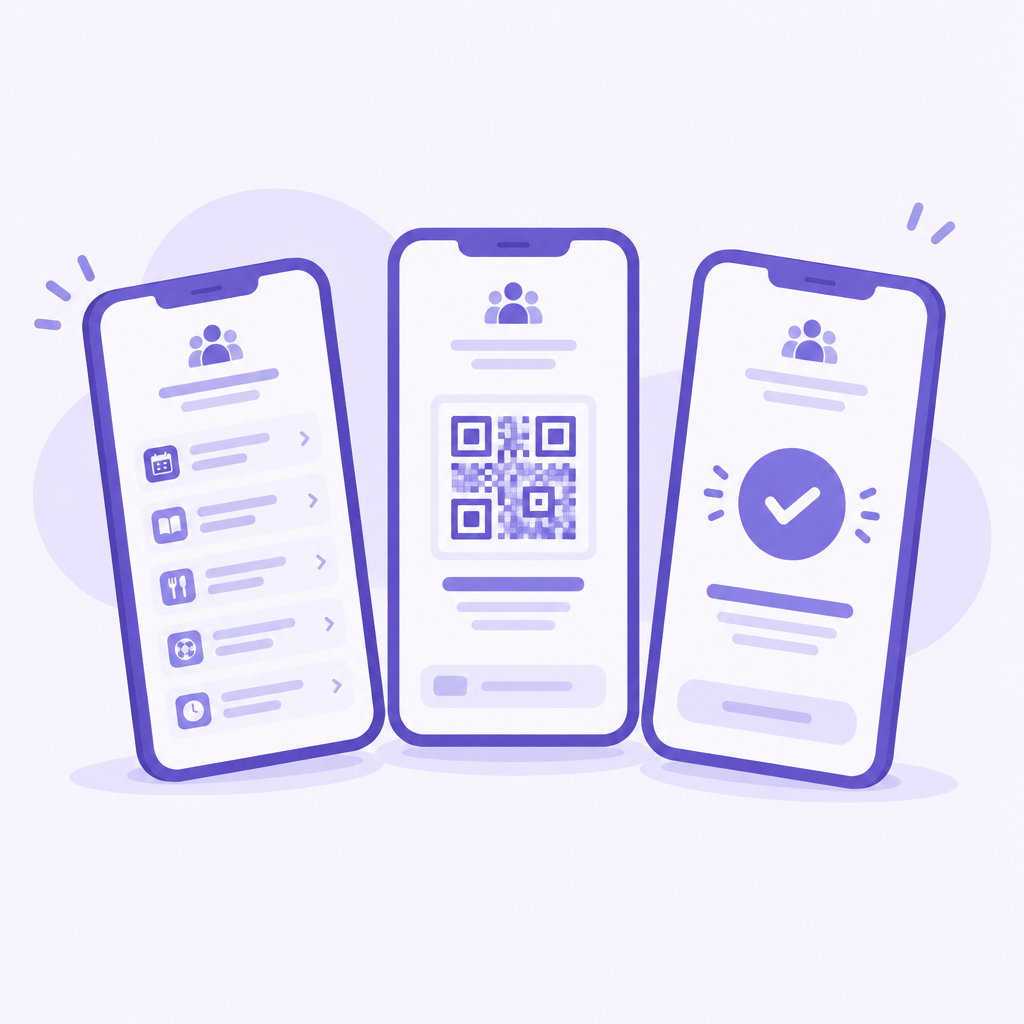
Which shows their dancer is in, with dates, call times and the venue
Every number their dancer performs
The QR code for check-in and pickup, ready on their phone
See every child's schedule together instead of digging through separate emails.
Share the link with both parents and grandparents so everyone has the same information.
Parents pull up the backstage pass at the door, right next to the call time.
Move a dress rehearsal and families see the new time the next time they open the portal.
Families confirm their dancer is performing, and you know your numbers before you finalize the lineup.
Point every “what time is my dancer's call?” email to the portal link.
Families get a clean, branded page instead of a forwarded spreadsheet.
Send the portal link by email or text and every family has their personal page in seconds.
No. The portal opens in any web browser from a shareable link.
No. Each family sees only their own dancers.
The portal always shows the latest details. Change a call time and every family sees it the next time they open their page.
Set up your Performer Portal and send the link with your next recital email.