
Staff on phones and tablets
Volunteers check dancers in or out from their own phones or studio tablets. Search by dancer, nickname or family, or scan a pass and tap once.
One door or several entrances, every device shows the same up-to-date count.
Every studio runs recital day differently. ShowSculptor gives you the options — staff devices or a kiosk, PIN codes or QR passes, wristbands or wallet passes — so you can build the check-in your families and your venue actually need.
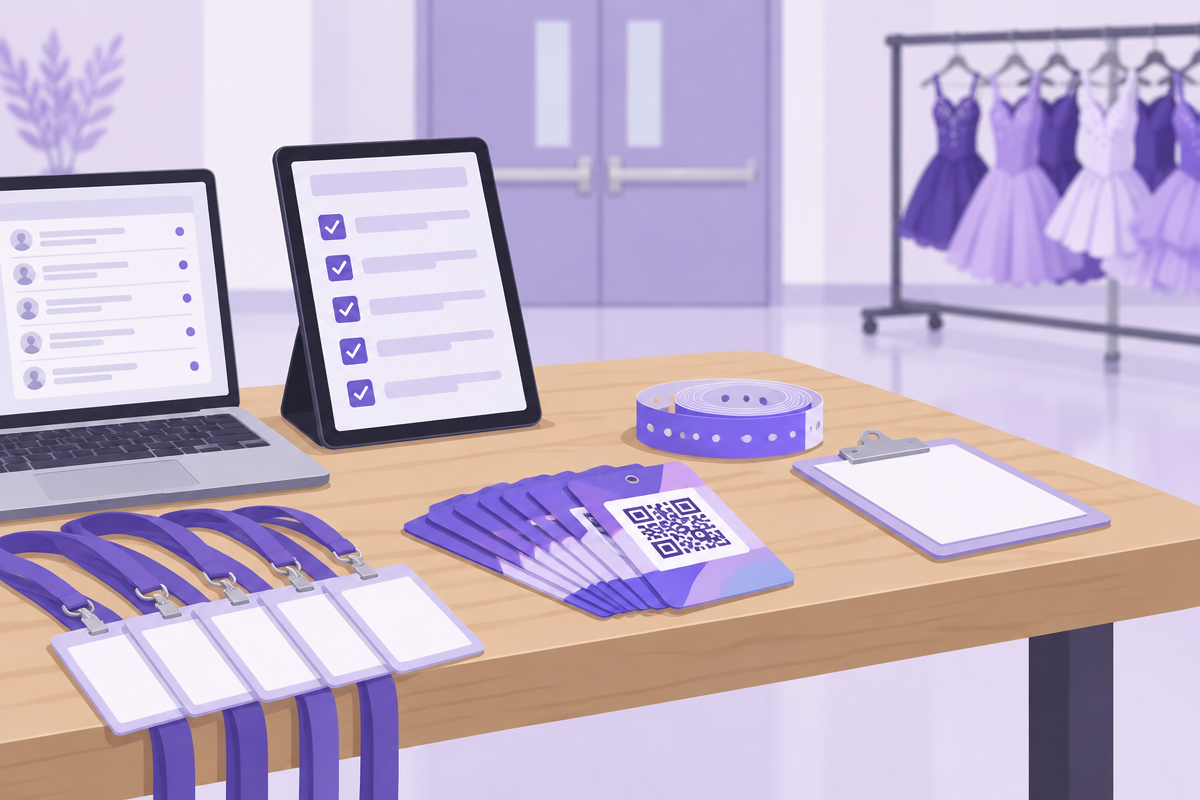
No two shows are alike. A 60-dancer showcase in a school auditorium needs something different from a 600-dancer weekend at a performing arts center. Turn on the security, devices and alerts that fit your studio, and leave off what you don't need.
ShowSculptor runs in any web browser on any phone, tablet or laptop. Every device stays in sync, so a dancer checked in at the stage door shows as checked in everywhere. Add as many devices as you need.
Volunteers check dancers in or out from their own phones or studio tablets. Search by dancer, nickname or family, or scan a pass and tap once.
One door or several entrances, every device shows the same up-to-date count.
Turn a tablet into a self-service station. Families check their dancers in at arrival and out at pickup while your team helps anyone who needs a hand.
A natural fit for busy entrances, rehearsals and quick arrivals.
Use kiosks for fast arrivals and staff devices for personal check-out. Mix them at the same show without splitting your records.
Families scan in; a staff member confirms each release.
Families scan a pass or enter their PIN at a kiosk. Your team can step in whenever a family needs help, and every arrival appears across all your devices.
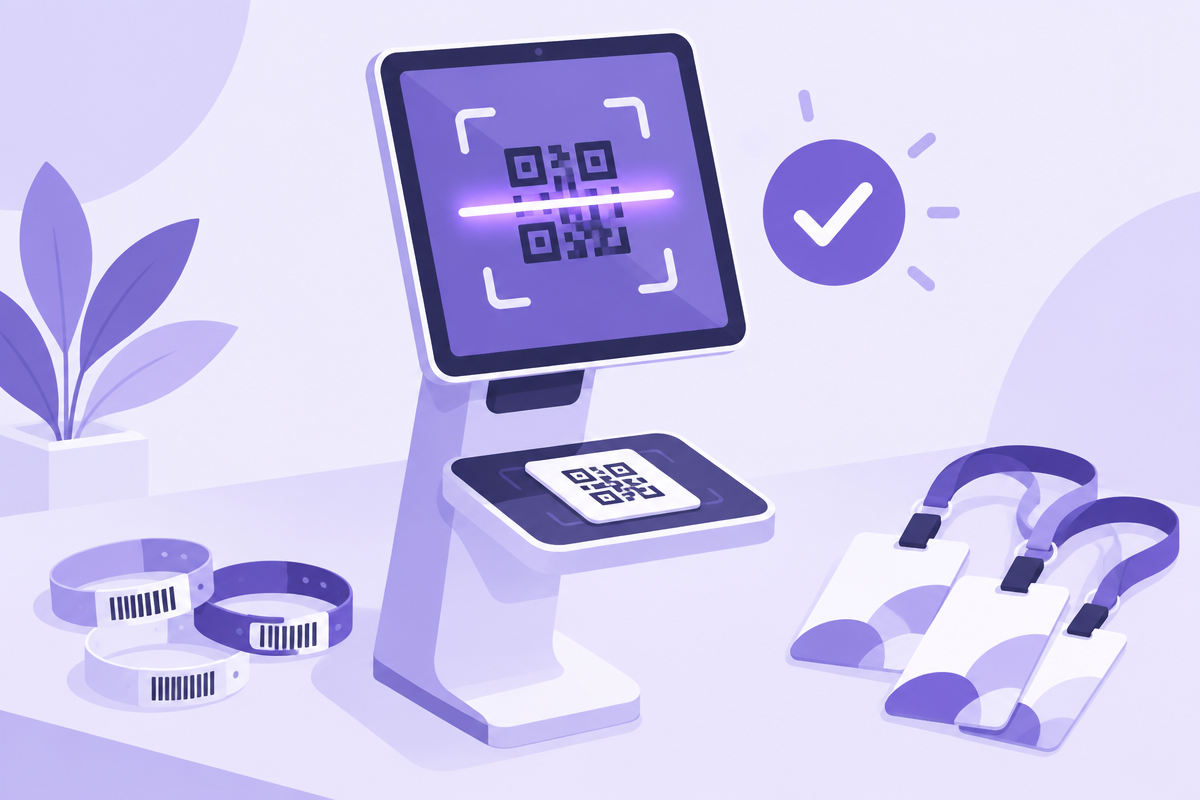
Some studios know every family by name. Others have hundreds of dancers and a busy lobby. Pick one layer or stack several — ShowSculptor timestamps every check-in and check-out either way.
One PIN covers every dancer in a family. Ask for it at check-in, check-out or both — with staff or at a kiosk.
Record the adult's name and relationship to the dancer at check-out. Each release is saved with a timestamp.
Give each dancer a unique pass to scan at the door. Families can use a printed pass, email, the Performer Portal, Apple Wallet or Google Wallet.
Give dancers or parents a wristband they can wear all day. Staff scan it at each checkpoint, even if a paper pass gets lost.
Check-in puts what matters in front of the person at the door — no binders or lists taped to the wall.
See important allergies, medications and other notes shared on a dancer's record as they arrive.
Point each dancer to the right room without consulting a separate list.
Know when a dancer has more than one number — and more than one costume to bring backstage or take home.
Here's how four kinds of studios might set up check-in. Use one as a starting point, or build your own.
80 dancers · one show
250 dancers · one theater
600+ dancers · four shows
40 older dancers
No. Turn on what fits your show and skip the rest. Many studios start with pickup tracking and add QR passes or wristbands as they grow.
Yes. Use as many kiosks and staff devices as you like at the same show. They all stay in sync.
Any phone, tablet or laptop with a web browser and an internet connection. iPads work well as kiosks.
Staff can look up a dancer by name, nickname or family and check them in or out by hand.
Every check-in feature on this page is included in Essentials and Production Pro.
Yes. Families can get alerts when their dancer arrives and when they're released.
Start free and set up check-in for your next show.