
Frontlight
Lights dancers' faces so the audience can see them
Build stage looks with front, back and side light, color and haze, and watch them come to life on a virtual stage. Save each look to its routine and hand your lighting designer a picture instead of a paragraph.
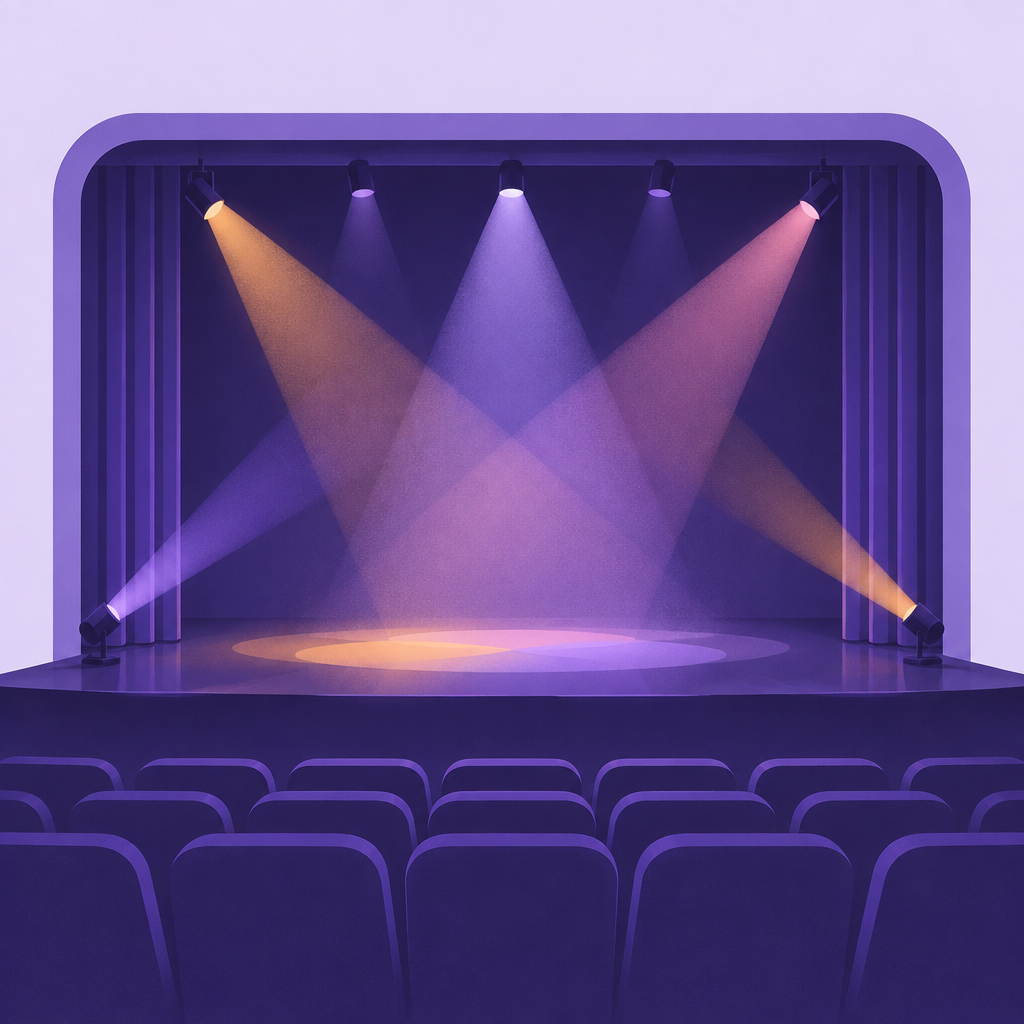
Most teachers know how they want a number to feel, but not how to describe the lighting. Tech week turns into a guessing game, and the lighting designer spends hours trying looks while the clock runs. Light Lab, built by a professional lighting designer, lets teachers try ideas on a realistic stage preview first. Everyone walks into tech already on the same page.
Light Lab uses the same lighting positions a theater does. Pick a color and set the intensity for each one, and the stage preview updates as you go.
Lights dancers' faces so the audience can see them
Outlines dancers and adds depth and color from behind
Sculpts bodies and adds color from the sides
Low, middle and high side positions for dance-style lighting
Colors the backdrop, from sunset to night sky
Makes the light beams visible in the air
When a look feels right, save it to the routine. It appears on the routine page as a lighting look, right next to the lighting notes and cue table, where your lighting designer and stage manager will find it.
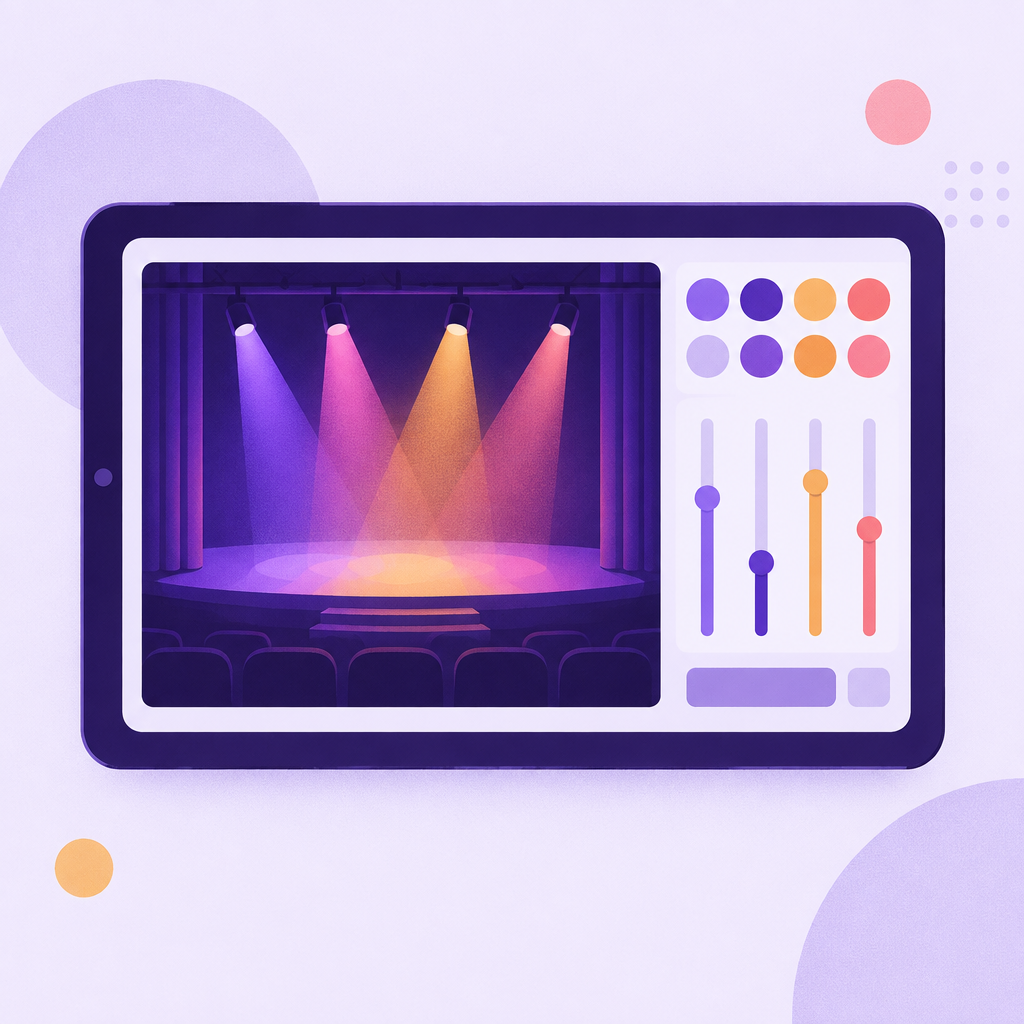
Your lighting designer sees a picture of every look before the first tech rehearsal and comes in with cues ready.
Less guessing in the theater means more time for spacing and run-throughs.
The stage manager sees the look for each number while calling cues.
Saved looks stay with the routine, so you remember what worked.
Try a few looks for your number and save the one that matches the mood — cool blue for a lyrical piece, hot pink and amber for a jazz number.
See the whole show's lighting at a glance and keep a consistent style across numbers.
Get a clear brief for every routine instead of vague notes, and spend tech week refining, not guessing.
Give the house technician a picture to match.
No. Move the sliders and pick colors until the preview looks right. Each position has a short explanation.
The preview shows the idea — colors, mood and direction. Every venue's equipment is different, so your lighting designer uses the look as a guide.
Yes. Teachers can build and save looks for their own routines.
Try Light Lab on your next show.