
One review, not twenty texts
See every teacher's picks on a single screen instead of a folder of catalog screenshots.
Plan costumes with your teachers, track every order and size, print labels, and hand out costumes without a single lost bag. One system for the most stressful part of recital season.
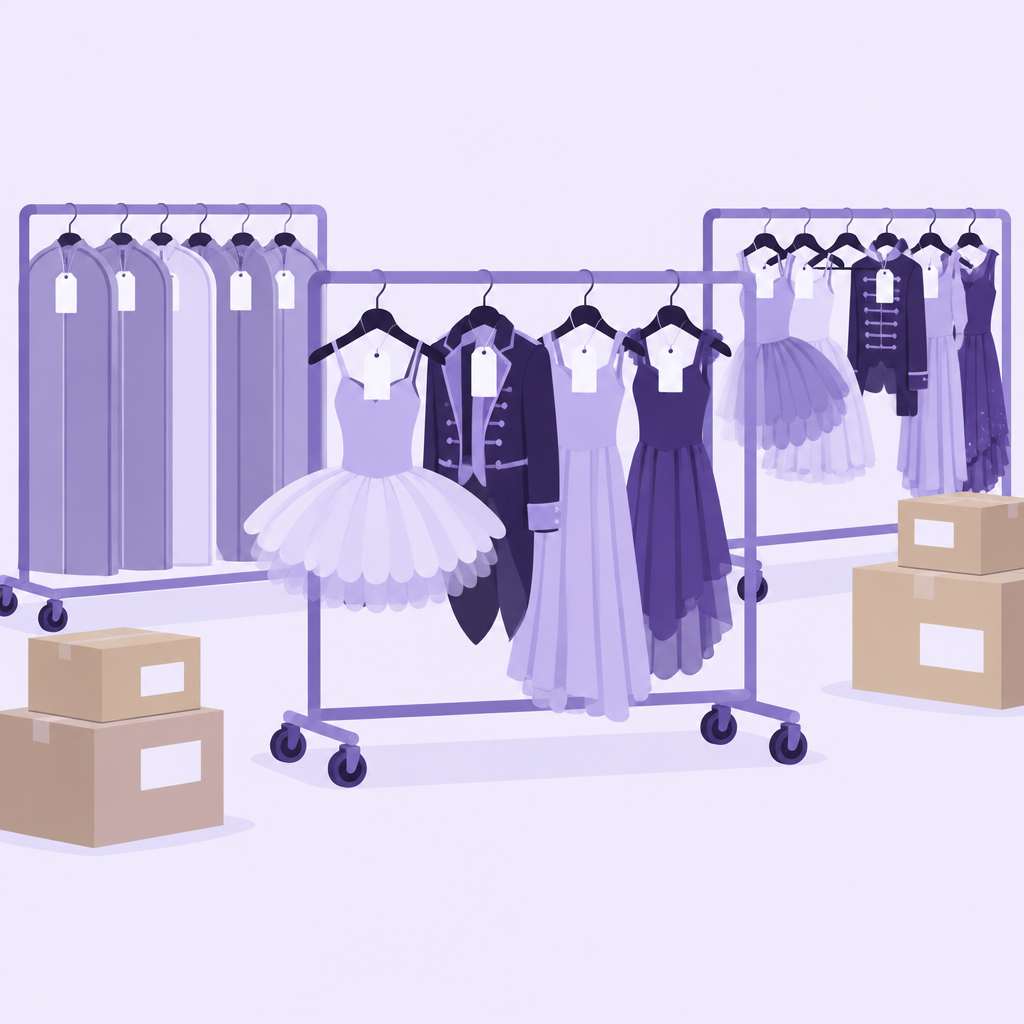
Costumes touch everyone: teachers pick them, the office orders them, parents send sizes, and somebody has to sort hundreds of boxes in March. ShowSculptor keeps every step in one place, so you always know what's been chosen, what's been ordered, what's arrived and who has picked up.
Each teacher chooses costumes for their routines in their own login. You see every pick, its price and what's still undecided, in one place. Costume planning is free.
See every teacher's picks on a single screen instead of a folder of catalog screenshots.
Compare costume prices across routines before you set costume fees.
Catch two back-to-back numbers in the same color while there's still time to change.
See which teachers haven't picked yet as the order deadline gets closer.
Record each dancer's size for every costume, track orders by routine, and mark costumes as they arrive. When a box comes in short, you know exactly what's missing.
Gather every dancer's measurements and sizes in one place instead of paper forms.
Build each costume order from the dancers in the routine and their sizes.
Mark what's arrived and see what's still out, by routine or by vendor.
Spot the wrong size or the missing piece in March, not the week of the show.
Track costumes you already own so a returning piece doesn't get ordered twice.
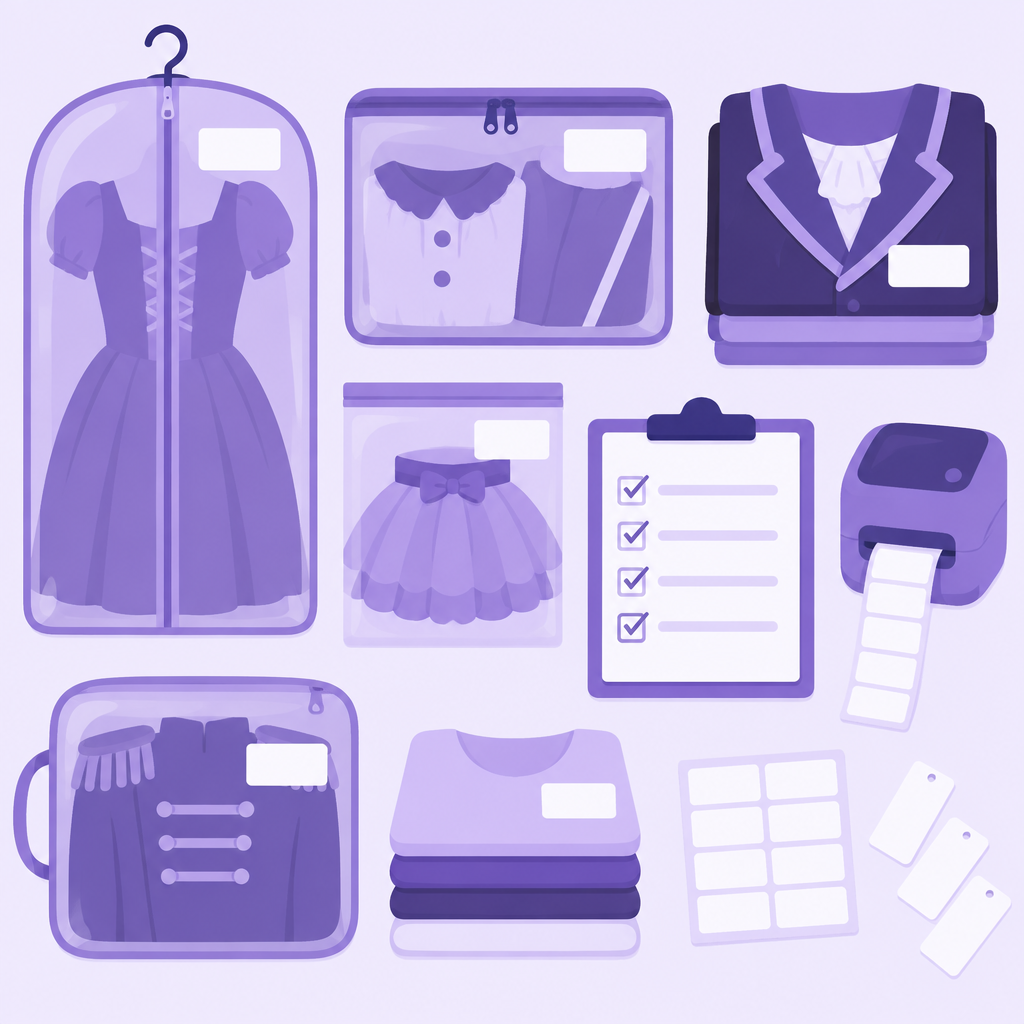
Print labels for every costume with the dancer's name, routine and size, ready for bags, boxes or hangers.
Volunteers bag each dancer's costumes and label them in one pass.
One label per costume so nothing gets mixed up between numbers.
A stray costume found after the show goes straight back to the right family.
Families get neatly labeled costume bags instead of handwritten sticky notes.
When costumes are ready, track pickup dancer by dancer. Staff see what each family should receive and mark it picked up, so you always know who still has costumes waiting.
Staff look up a family, hand over every costume for each of their dancers, and mark it done.
A dancer in four routines leaves with four costumes, not three.
See which families haven't picked up yet and send them a reminder.
If a costume goes missing, you know when it was picked up and by whom.
Yes. Each teacher can pick costumes for their own routines in their own login.
Yes. Start planning costumes on the Free plan.
No. Import your roster from Jackrabbit, Dance Studio-Pro, Akada or Excel.
Start planning costumes free today. It's costume season.